Appearance
Build a standalone executable
wago compile packages precompiled guest machine code, a runtime, and the selected plugins into one executable. The recipient can run it without an installed wago command, Go toolchain, or separate .wasm file.
Before you start
- Install the Wago manager
- Install Go 1.22 or newer and put
goonPATH - Keep the module's plugin configuration in the project where you build
The first build may download Go modules, so it can take longer and need network access. If Wago cannot locate its source for a development build, set WAGO_SRC to the matching Wago checkout. Normal installations retain the source they need.
Build with Go
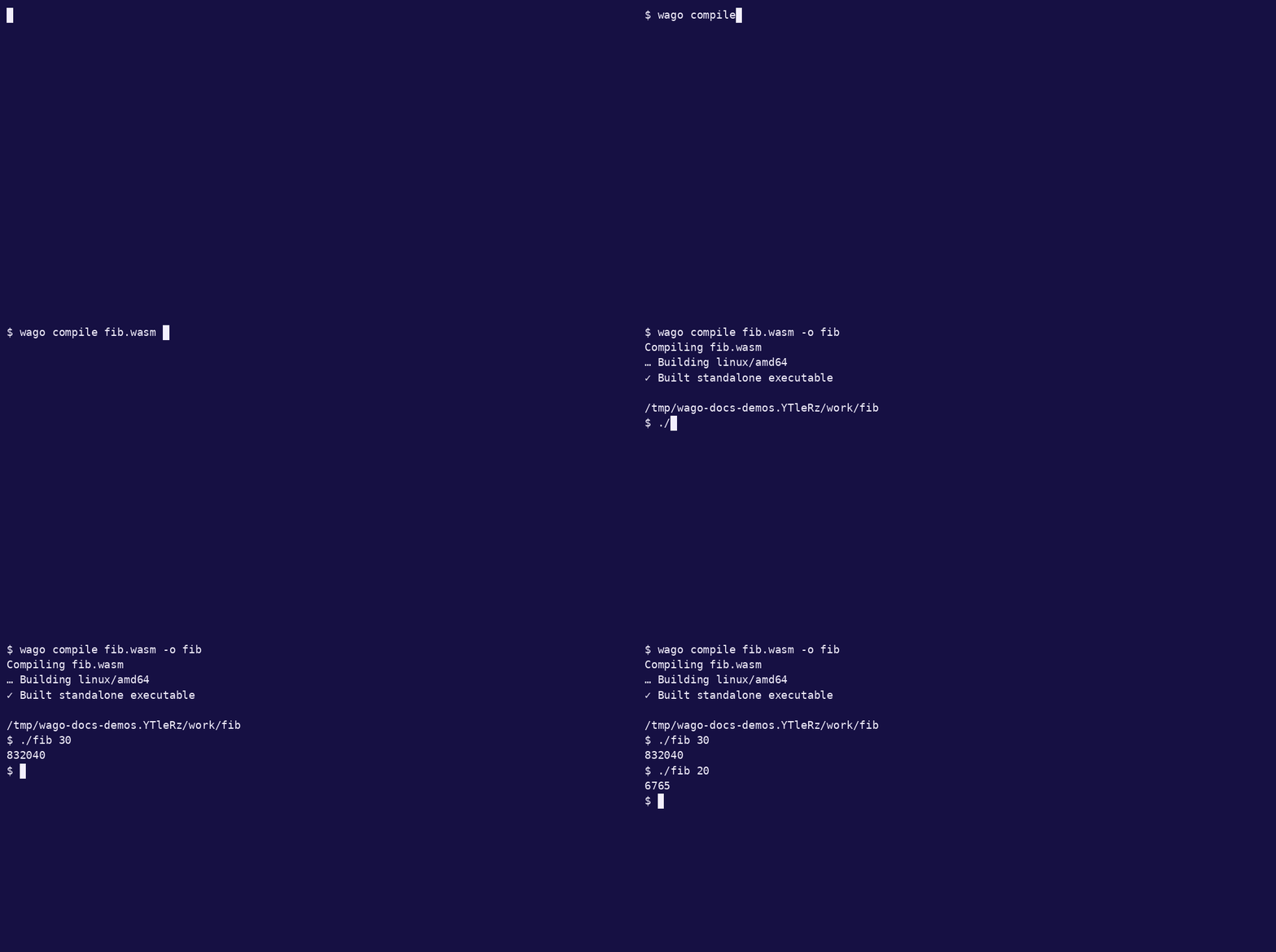
This example needs no host imports or plugins:
sh
curl -fsSL https://wago.sh/corpora/fib.wasm -o fib.wasm
go version
wago compile --bare --invoke fib fib.wasm -o fib
./fib 30
text
832040On Windows, use -o fib.exe and run .\fib.exe 30 in PowerShell. If you omit -o, Wago removes the input's extension and adds .exe on Windows.
The module is compiled before the executable is linked. At startup, the executable loads that embedded artifact rather than invoking Wago's Wasm compiler again.
Build a smaller executable with TinyGo
Install TinyGo as well as Go. Both commands must be on PATH: Wago uses Go to prepare the native artifact and TinyGo for the final link. Linux also needs strip, usually supplied by binutils; macOS supplies it with the command-line developer tools.
The tested baseline for this walkthrough is TinyGo 0.41.1 with Go 1.25.0 on Linux/amd64:
sh
go version
tinygo version
wago compile --bare --tinygo --invoke fib fib.wasm -o fib-tiny
./fib-tiny 30
text
832040Use a Go version supported by your TinyGo release. Wago builds with TinyGo's task scheduler, conservative collector, and size optimization, then strips the result. Test the actual module and plugin set you intend to ship; their Go dependencies must also work with TinyGo.
TinyGo 0.42.0
The Linux/amd64 walkthrough also tested TinyGo 0.42.0 with Go 1.25.0. Its final link fails with a duplicate tinygo_task_exit symbol in the task-scheduler runtime. A small Go channel/goroutine program reproduces the same failure without Wago. Use the tested 0.41.1 combination for this path until that toolchain issue is resolved.
Choose the entry point and arguments
--invoke fixes the export the executable will call. Without it, selection follows _start, then main, then the sole exported function.
For a numeric export, arguments after the executable name become its parameters:
sh
./fib 20:i32text
6765For a command-style guest, _start receives no function parameters. The executable's argument list is available to the configured guest argument provider, such as WASI. Numeric calls use the same supported value types as wago run.
The resulting program does not expose the Wago CLI. Pass compilation options to wago compile, rather than to the executable:
sh
wago compile --bare --core 2 --parallel=4 --invoke fib fib.wasm -o fibCore features, compiler options, and plugin configuration are fixed during the build. wago compile --help-optimizations lists the advanced controls. Native-stack and WasmGC heap flags belong to wago run; they are not standalone compile flags.
Include the plugins your guest needs
Build from the configured project directory. A project manifest takes precedence; without one, Wago uses the shared user-wide selection. You can choose the scope explicitly:
sh
wago compile --local command.wasm -o command
wago compile --global command.wasm -o command
These commands assume command.wasm and its plugins are already configured. Use --bare only when the module needs no plugin imports. Review plugin setup and permissions before packaging a guest that reads files or uses other host capabilities.
The selected providers and their configuration are embedded in the executable. External files named by that configuration are not automatically copied into it. Check paths and permissions on the destination machine, and rebuild when plugin code or configuration changes.
Build on the destination platform
The machine code is generated for the build host. --target must match that host; it does not enable cross-compilation. For example, a Linux/amd64 host rejects:
sh
wago compile --target darwin/arm64 fib.wasm -o fib-mactext
precompiled standalone builds require the native target linux/amd64; got darwin/arm64Use a native build machine or CI runner for each platform. TinyGo standalone support is limited to Linux/amd64, Linux/arm64, and macOS/arm64. The Go path also supports Wago's other native targets; feature availability still depends on the selected platform.
Diagnose a failed build
sh
wago compile --bare --verbose --invoke fib fib.wasm -o fib--verbose shows the underlying build output. Check the first error:
- Missing
go,tinygo, orstrip: install the required tool and checkPATH - Unsupported Go version in TinyGo: select a compatible Go toolchain
- Module download failure: check network access and writable Go caches
- Missing import: build with the plugin configuration required by the guest
- Native-target error: build on the matching OS and architecture
Keep the original Wasm and record your Wago, Go, TinyGo, and plugin versions alongside release builds. Rebuild when the runtime or plugin configuration changes.